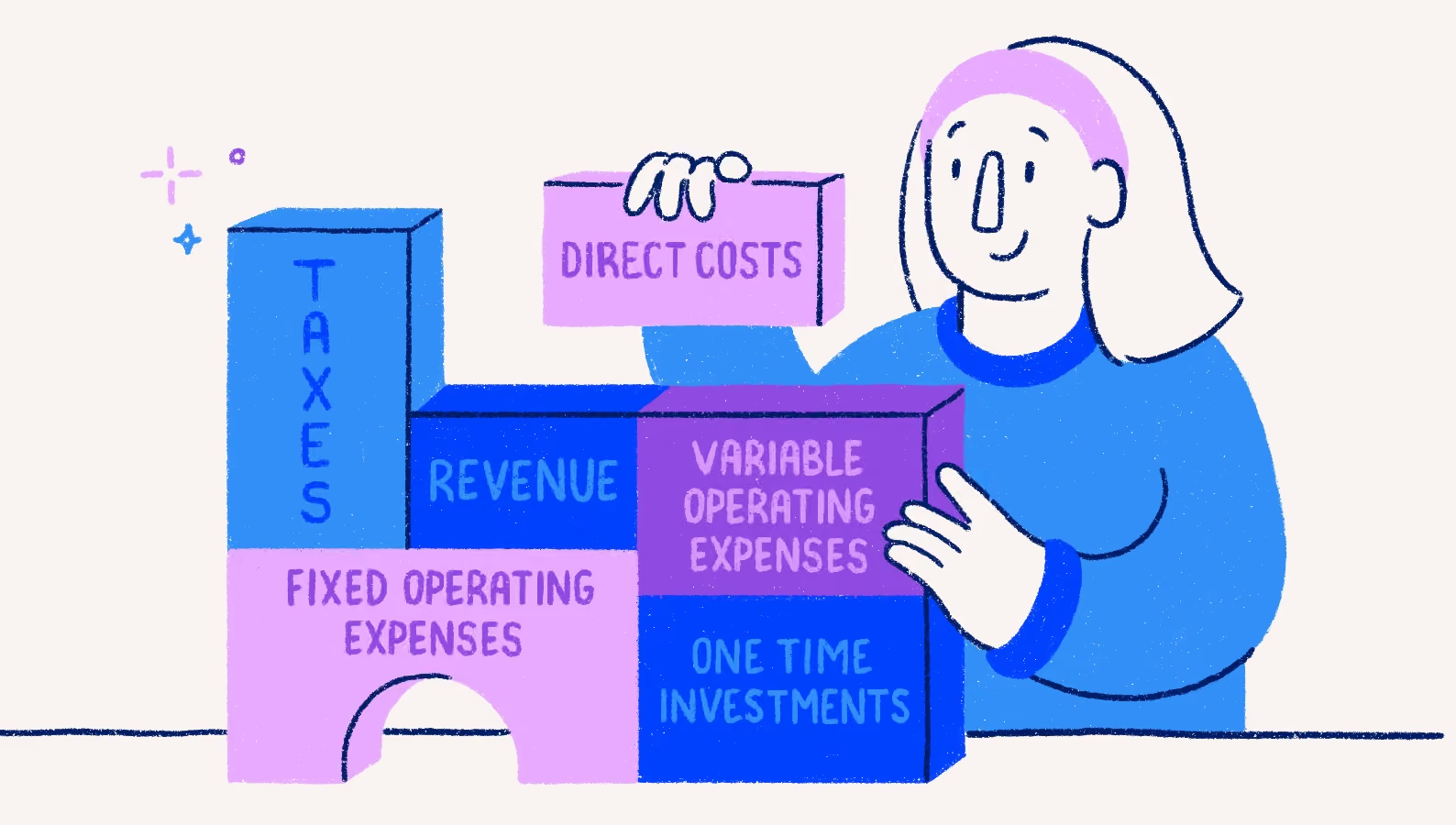

How to understand and use your chart of accounts

Running your own business can be an exciting endeavour. Managing your accounting system? Usually, not so much. If you’re trying to get your books in order, you have probably stumbled across the term "chart of accounts." It sounds highly technical, slightly intimidating, and like something you need an advanced degree to understand.
Thankfully, the concept is actually much simpler than most business owners expect. You do not need to be a certified accountant to figure this out. If you know how to sort your laundry or organize your digital folders, you already have the basic skills needed to master your business finances.
Every single transaction in your business—from the coffee you bought for a client meeting to the massive invoice a customer just paid—flows into your chart of accounts in some way. It acts as the ultimate foundation for an organized bookkeeping system.
By taking a few minutes to learn the ropes, you will feel entirely in control of your finances. This guide will walk you through exactly how your chart of accounts works, how to set it up without overcomplicating things, and how to use it to support your business growth.
What exactly is a chart of accounts?
At its core, a chart of accounts is simply a structured list of the categories you use to organize your financial transactions. Think of it as the master filing cabinet for your business money.
If your filing cabinet only has one giant drawer labeled "Stuff," you will never be able to find what you need when tax season rolls around. On the flip side, if you have a thousand tiny drawers for every single specific item, you will spend all your time filing and no time actually running your business. The chart of accounts helps you find the perfect middle ground.
It takes all your business activities and groups them into the right buckets. Money comes in, money goes out, and your chart of accounts gives every dollar a specific, easy-to-find home.
This organization matters immensely for accurate business bookkeeping and clean financial reporting. When your transactions are categorized correctly, you can instantly see the health of your business. You will know exactly what you are spending, what you are earning, and what is left over to fuel your future growth.
The main account types in a chart of accounts
To keep things universally organized, your chart of accounts is broken down into five primary account tabs:
- Assets
- Liabilities
- Equity
- Revenue
- Expenses
These five categories connect directly to your most important financial statements, like your balance sheet and your profit and loss statement. Here is a simple breakdown of the core account categories.
Assets
Assets represent the things your business owns that hold value. If you can sell it or spend it, it usually belongs in this bucket. Your business bank account is an asset. If you run a contracting business, the new work truck you just purchased is an asset. Unpaid invoices from clients (known as accounts receivable) also count as assets because that is money you legally have claim to.
Liabilities
Liabilities represent what your business owes to others. These are your debts and financial obligations. If you took out a small business loan to expand your real estate operations, that loan balance is a liability. Your business credit card balance sits here, too. Even unpaid vendor bills (accounts payable) belong in the liabilities bucket.
Equity
Equity is essentially what is left over for the owners after you subtract your liabilities from your assets. It measures the net worth of your company. When you personally invest your own money to start your consulting firm, that goes into owner's equity. The profits you keep in the business year after year, known as retained earnings, also live in this section.
Revenue
Revenue, or income, is the money your business earns from its core operations. This is the fun part of the filing cabinet. If you run a media agency, your revenue might come from retainer fees or project milestones. It is highly recommended to create a few distinct income accounts to track different revenue streams, such as "Consulting Income" versus "Speaking Fees."
Expenses
Expenses cover the costs of keeping your business running. This includes things like rent for your studio space, internet bills, marketing costs, and the software subscriptions you use to manage projects.
You might also hear about "Cost of Goods Sold" (COGS). This is a special type of expense directly tied to delivering your product or service. For example, if you are a contractor building a deck, the lumber you buy is a COGS, while your monthly office internet bill is a standard operating expense.
How a chart of accounts works in day-to-day bookkeeping
You might be wondering how all of this theory actually plays out on a random Tuesday. In day-to-day bookkeeping, your chart of accounts acts as the sorting mechanism for every financial move you make.
When you purchase a new camera lens for your media company, you do not just record that you spent $500. You categorize that transaction into a specific asset or expense account within your chart of accounts. When a client pays their $2,000 invoice, you categorize that deposit into your specific income account.
This simple act of categorizing supports your business in a few massive ways:
- Expense tracking: You can instantly see how much you spend on specific categories, helping you stick to your budget. Tracking your business expenses helps you get a clearer picture of how cash is flowing out of your business, and what might be costing you more than you think.
- Income tracking: You can identify which of your services or products brings in the most cash.
- Tax preparation: Come tax time, your accountant will need to know your exact totals for things like office supplies, travel, and contractor payments. A sorted chart of accounts means you can hand over clean reports instead of a shoebox full of crumpled receipts. You can keep your expenses organized in your chart of accounts organized by using Wave’s receipt scanning feature. When you snap photos of expenses on-the-go; Wave’s OCR technology automatically extracts the data and files it into the right category.
- Financial reporting: Your categorized data automatically feeds into your balance sheet and profit and loss statements. Accounting software like Wave lets you see this data in clear visual dashboards that show your business health at a glance.
Thankfully, using modern accounting software makes this entire process incredibly easy. Software can remember your categorization rules and automatically assign recurring transactions to the right buckets in your chart of accounts, saving you hours of tedious administrative work.
How to set up or review your chart of accounts
Setting up your chart of accounts does not require starting entirely from scratch. Most accounting platforms automatically generate a functional default chart of accounts based on your business type during setup. A general professional services firm will get a slightly different starting list than a retail store.
Whether you are starting fresh or cleaning up an old system, follow this practical process to keep things running smoothly.
Start with standard categories
Stick to the default list your software provides. It is specifically designed to cover the basics. Most micro-businesses do not need to reinvent the wheel.
Add accounts only when necessary
You have the ability to customize your structure by adding new accounts. Only add a new category if it provides meaningful insight. If you want to track how much you spend specifically on digital advertising versus print marketing, you can add two sub-accounts under your marketing expenses.
Name accounts clearly
Avoid using internal jargon or overly complex accounting terms. Name your accounts based on what they actually represent. "Office Internet" is much more helpful than "Telecom Expenditure Category B."
Avoid duplicate or overly specific categories
You do not need an account for "Pens" and a separate account for "Printer Paper." Group them together under a broader "Office Supplies" bucket to keep your list clean. Unused or irrelevant accounts can usually be archived so they stop cluttering your view.
Review for accuracy over time
As your micro-business grows, your financial needs will shift. Make it a habit to review your chart of accounts once a year. If you recently started hiring independent contractors, you might need to add a new expense account to track those specific payments. Ensure the structure always reflects how your business currently operates. Encourage simplicity and consistency over customization for its own sake.
Common chart of accounts mistakes small businesses make
Even the smartest business owners can trip up when organizing their finances. By knowing the most common pitfalls, you can avoid them entirely and keep your books pristine.
Creating too many categories
This is often called the "Jungle" mistake. When you create a highly specific account for every single tiny transaction or every single vendor, your reports become miles long. Finding useful information becomes impossible because you are drowning in details. Keep your buckets broad enough to be useful.
Using vague or overlapping account names
If you have an account named "Miscellaneous" and another named "Other Expenses," you are setting yourself up for confusion. When you categorize expenses vaguely, you lose all visibility into where your hard-earned money is actually going.
Misclassifying personal and business expenses
Mixing personal and business expenses is a major headache. Your chart of accounts should only reflect your business activities. Buying a personal lunch on the business card and coding it to an arbitrary expense account distorts your company's profitability and makes tax filing incredibly messy. Separating your personal and business expenses can help you reduce tax-time headaches and gain more clarity on your business’ actual financials.
Failing to review the structure as the business grows
Your business changes, and your accounting needs to keep up. Overlooking future growth potential means you might lack the proper accounts to track an entirely new revenue stream or a new type of operating cost.
Using accounts inconsistently
If you put your software subscription in "Office Supplies" one month, and "Software Expenses" the next month, your data becomes corrupt. Inconsistent categorization means you cannot accurately compare your spending month-over-month.
Platforms like Wave help you categorize transactions in a clean and consistent manner. Wave’s Pro Plan lets you automatically upload, merge, and categorize your business transactions.
Making reports harder to understand
Ultimately, organizing accounts in an overly complex way defeats the entire purpose. If your profit and loss statement reads like a foreign language, your chart of accounts is likely too complicated.
How to use your chart of accounts to get better business insights
Your chart of accounts is much more than a mandatory setup task. It is an incredibly powerful tool that supports smarter, data-driven decisions for your growing company.
When your chart of accounts is well-structured, you gain complete visibility into where your money is coming from. You can easily identify which consulting packages or real estate services are driving your highest profit margins.
You also understand exactly where your money is being spent. Instead of wondering why your bank account feels light, you can look at your expense accounts and clearly see that your subcontractor costs crept up over the last quarter.
A clean chart of accounts leads directly to cleaner profit and loss statements. You can spot trends in your expenses or revenue over time. Did your marketing spend double last month? Did your income dip during the winter? These insights allow you to adjust your strategy on the fly.
Finally, you can prepare much more easily for taxes and formal reporting. Your certified public accountant will love you, your stress levels will drop, and you will save a massive amount of time because all your financial data is perfectly organized and ready to go.
A solid foundation for your business growth
Bookkeeping does not have to be a nightmare. Your chart of accounts is one of the most important foundations you can build to ensure your business remains healthy, profitable, and ready for whatever comes next.
By keeping your categories simple, highly organized, and aligned with how your business actually runs, you remove the guesswork from your finances. You empower yourself to make confident decisions based on real data, rather than just trusting your gut.
Manage your money like a boss by using tools that do the heavy lifting for you. Wave’s intuitive accounting software is built specifically for micro-business owners. It automatically sets up a clean chart of accounts, tracks your income and expenses, and helps you kick tax season's butt. Get started with Wave today and take complete control of your financial future.


(and create unique links with checkouts)
*While subscribed to Wave’s Pro Plan, get 2.9% + $0 (Visa, Mastercard, Discover) and 3.4% + $0 (Amex) per transaction for the first 10 transactions of each month of your subscription, then 2.9% + $0.60 (Visa, Mastercard, Discover) and 3.4% + $0.60 (Amex) per transaction. Discover processing is only available to US customers. See full terms and conditions for the US and Canada. See Wave’s Terms of Service for more information.
The information and tips shared on this blog are meant to be used as learning and personal development tools as you launch, run and grow your business. While a good place to start, these articles should not take the place of personalized advice from professionals. As our lawyers would say: “All content on Wave’s blog is intended for informational purposes only. It should not be considered legal or financial advice.” Additionally, Wave is the legal copyright holder of all materials on the blog, and others cannot re-use or publish it without our written consent.
Read next